
Tampa Bay Buccaneers light check design
Are you a fan of the Tampa Bay Buccaneers? Order NFL team checks with a Tampa Bay Buccaneers check design! Here is a quick tutorial that explains exactly how to order your Buccaneers checks. Beware! NFL logos are protected with strict copyright laws. Don’t worry, we made free logo-free Buccaneers designs you can download and upload, so you do not need the official NFL Tampa Bay Buccaneers logo. You can also use your own photos.


How to Order Tampa Bay Buccaneers Checks Online:
To begin, you will need to order a “Photo Check” so let’s start by clicking here. The Photo Checks page will open in a new window.
Create your photo checks at Checks Unlimited →Affiliate link: GetBankChecks.com may earn a commission at no extra cost to you.
Pick your image: download one of our free Buccaneers designs (no team logos, already sized for a check) or use your own photos. Remember, when choosing images, don’t use any copyright protected images of the NFL team logos.
WARNING! NFL logos, gear and some NFL images are protected with strict copyright laws.
We’re sure you want this to be quick. So below is a short tutorial video that explains how to upload, and design your own Tampa Bay Buccaneers checks. Before you submit your order, don’t forget about the accessories like checkbook covers and address labels.
More Tampa Bay Buccaneers & Sports Check Options
Looking for ready-made sports check designs you can order instantly? Browse the collection at Checks Unlimited:
Order NFL Address Labels
Order NFL Checkbook Covers
Free Tampa Bay Buccaneers Check Designs to Download
Original fan artwork made by GetBankChecks.com, free for personal use on your own photo checks, with no team logos so printers accept it.

Download artwork (JPG) ↓1800 × 825 px, 6 × 2.75 in at 300 dpi, 227 KB
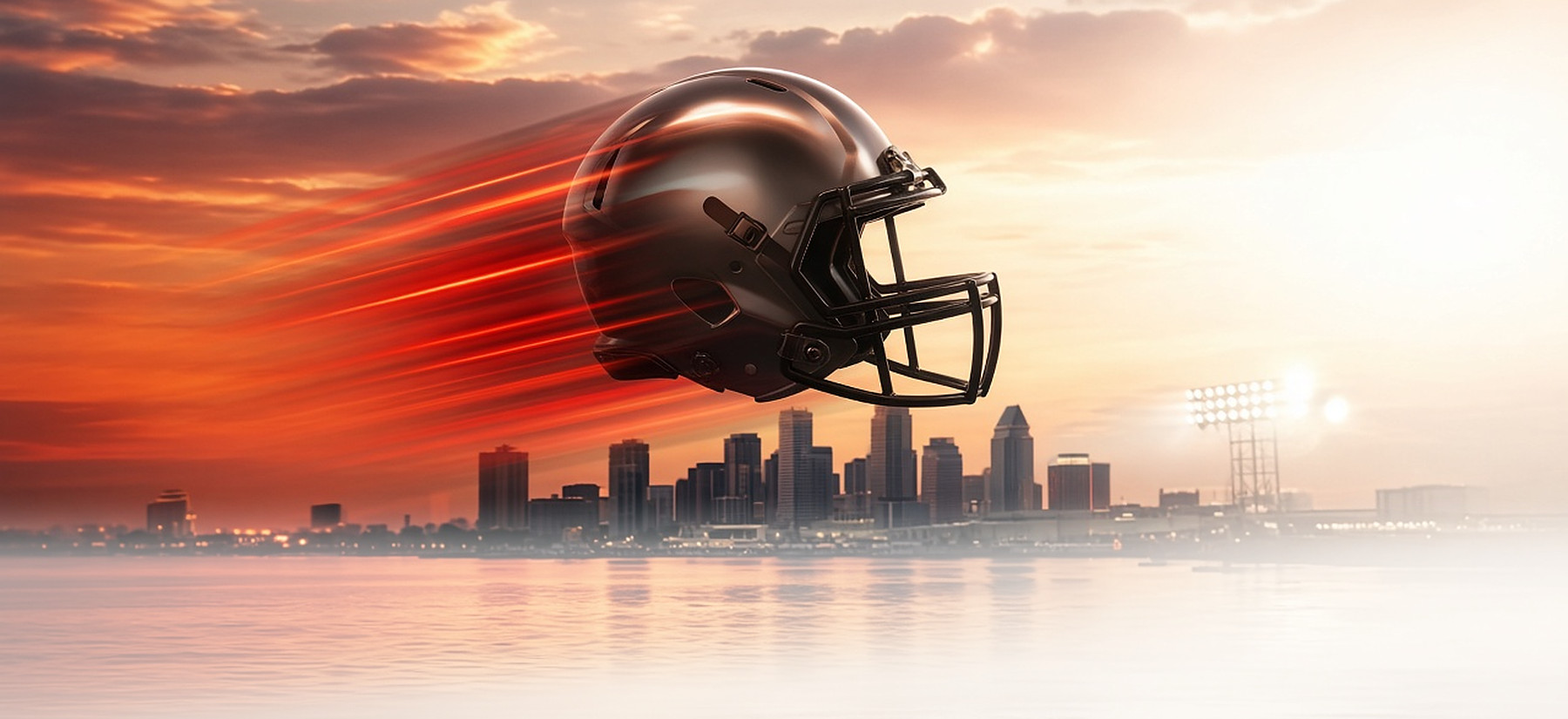
Make this check at Checks Unlimited →or see all photo check styles at Checks Unlimited

Download artwork (JPG) ↓1800 × 825 px, 6 × 2.75 in at 300 dpi, 472 KB

Make this check at Checks Unlimited →or see all photo check styles at Checks Unlimited

Download artwork (JPG) ↓1800 × 825 px, 6 × 2.75 in at 300 dpi, 268 KB

Make this check at Checks Unlimited →or see all photo check styles at Checks Unlimited

Download artwork (JPG) ↓1800 × 825 px, 6 × 2.75 in at 300 dpi, 122 KB

Make this check at Checks Unlimited →or see all photo check styles at Checks Unlimited
How to use these designs
- Download the design you like with its “Download artwork (JPG)” button. The file is already sized for a 6 × 2.75 in personal check and is under the 4 MB upload limit.
- Upload it on the photo-check page at Checks Unlimited (JPG or BMP, under 4 MB). Want up to four photos or a side-tear layout? See all Checks Unlimited photo check styles.
- Use the crop tool and preview to keep the helmet or the scene in the middle, away from the $ box and signature line, then check the preview before you order. The printer lightens the image so your bank can read the check, so it will look softer on paper than on screen.
Free for personal use on your own checks; see our image license. Not affiliated with the NFL or any team. Printers make the final call on every upload. Affiliate disclosure: links to Checks Unlimited and Carousel Checks are affiliate links, so GetBankChecks.com may earn a commission at no extra cost to you.
Fire the Cannons, Tampa Bay
Tampa Bay fans have a pirate ship in their stadium and a cannon that fires after every score, so subtlety was never the brand. Buccaneers checks bring some of that into your day to day. These are photo checks, so the look is yours: one of our free red-and-pewter designs above, a shot of Raymond James Stadium, or your own photo from a game. A lot more fun than the plain pad from your bank.
Red and pewter is a distinctive combination that carries the design without the logo.
Design tips
Pewter is essentially a warm gray, so pair it with the team red and a clean image so the check does not look flat. Crop landscape and pick a bright photo. A free editor will help you adjust before uploading.
Tampa Bay Buccaneers checks: quick answers
How many checks? Package contents have not been verified for a selected product. Check the current quantity, format, included items and total cost with the retailer before ordering. Our Check Companies guide explains general comparison criteria; it is not a current product offer.
Will my bank take them? This page does not establish acceptance for a particular product or every checking account. Confirm your account’s requirements with your bank and review the selected product’s details before ordering.
Matching extras? Accessory availability and compatibility have not been verified for a selected product. Check any optional item’s details and price before choosing it.