
Bring a personal memory of Ann Arbor to your checkbook. Use the Michigan photo-check ideas below, then create personal checks at Checks Unlimited with your own picture (the Big House on game day, the Diag in fall, your family in maize and blue) or one of our free logo-free Michigan designs below. You see a personalized proof before you pay.
Create Michigan photo checks at Checks Unlimited
See football fan checks from $23.49 at Checks UnlimitedChecks Unlimited prices on Oct 25, 2026, handling included: football fan checks $23.49 a box, photo checks $28.49; 4 boxes save 23%.
$18.07 a box in a 4-pack (single box: $23.49)
Checks Unlimited’s Sports Fanatic fan checks (product 3011, 80 checks a box) are $72.29 for four boxes, which works out to $18.07 a box, versus $23.49 for a single box. See the 4-pack price at Checks Unlimited
Finish the set: black checkbook cover, $14.99 · matching Sports Fanatic address labels, $8.99
Prices from Checks Unlimited’s own product pages on October 29, 2026 (HST), single-part checks, before codes, shipping and tax. Affiliate links: we may earn a commission at no extra cost to you.
Get Bank Checks may earn a commission through these shopping links. You personalize, pay for and order checks on the retailer’s website.
Michigan campus and football design ideas
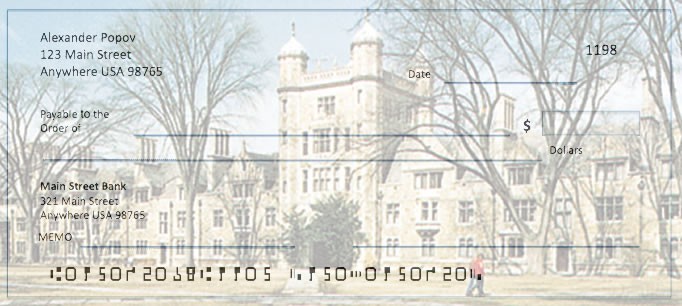

A well-lit campus photograph can leave more room for readable writing than a crowded game-day scene. For a maize-and-blue look, use color around the edges and keep the center light. Crop horizontally and keep a building, face or other important subject away from the writing fields.
The campus and Go Blue pictures show the kind of photo that works well. Start with an original image you have permission to use, or one of our free designs below, rather than downloading a small screenshot of a finished check.
Choose your format and review the extras
Checks Unlimited’s Single Photo product, code 656, repeats one customer-supplied picture. Choose singles or carbonless duplicates, each with 80 checks per box, in one-, two- or four-box quantities.
Address labels, a cover and a register are separate paid options. SentryShield protection is added for an extra charge and can be removed in the cart. Check the delivery charge, tax and any optional rush charge before paying.
If you prefer ready-made artwork, review the retailer’s collegiate collection for the exact school. It doesn’t include a Michigan Wolverines design right now (Michigan State is a different school), so the photo-check route above is the way to get Wolverines checks. The separate Sports Fanatic design is generic multi-sport artwork, not a Michigan design.
Free Michigan Wolverines Check Designs to Download
Original fan artwork made by GetBankChecks.com, free for personal use on your own photo checks, with no school or team logos so printers accept it.

Download artwork (JPG) ↓1800 × 825 px, 6 × 2.75 in at 300 dpi, 329 KB
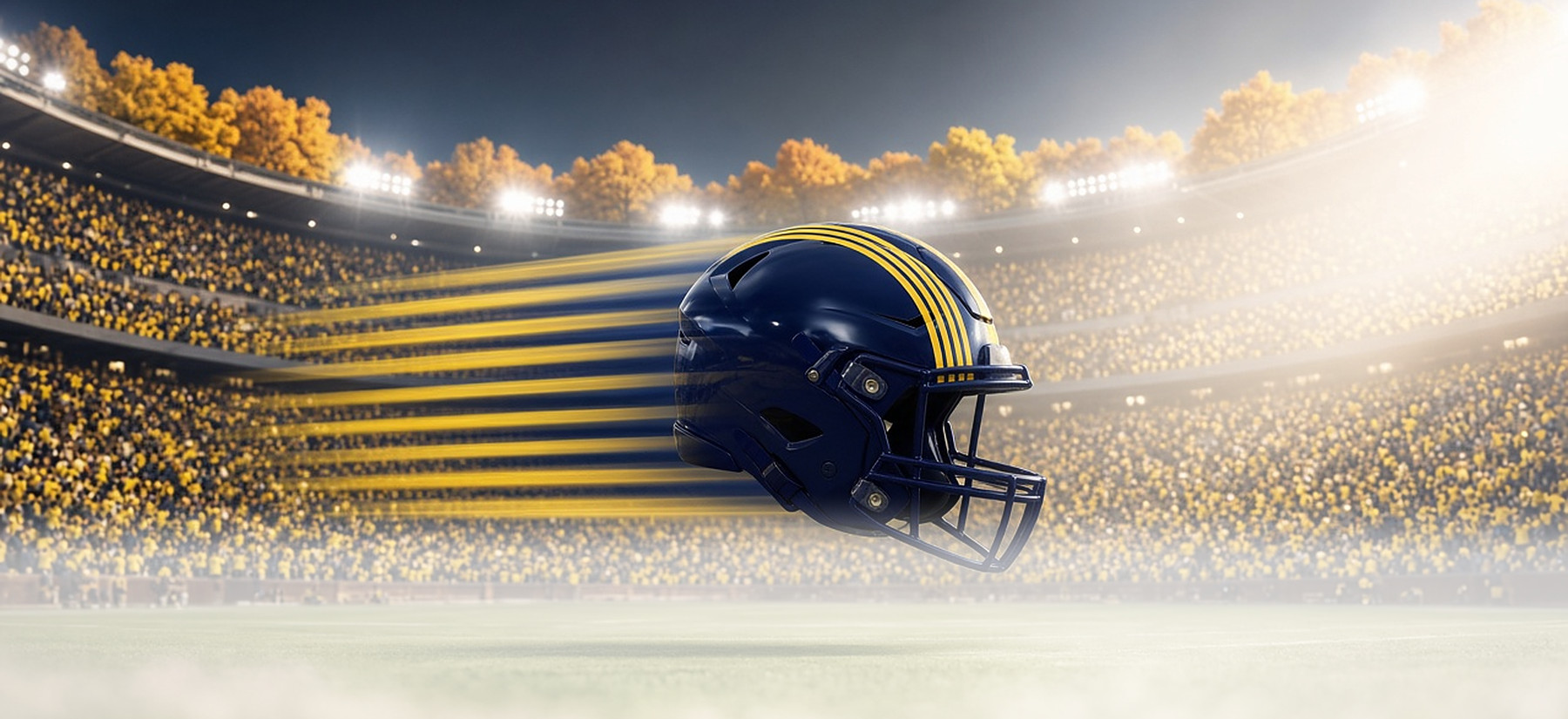
Make this check at Checks Unlimited →or see all photo check styles at Checks Unlimited

Download artwork (JPG) ↓1800 × 825 px, 6 × 2.75 in at 300 dpi, 512 KB

Make this check at Checks Unlimited →or see all photo check styles at Checks Unlimited

Download artwork (JPG) ↓1800 × 825 px, 6 × 2.75 in at 300 dpi, 295 KB
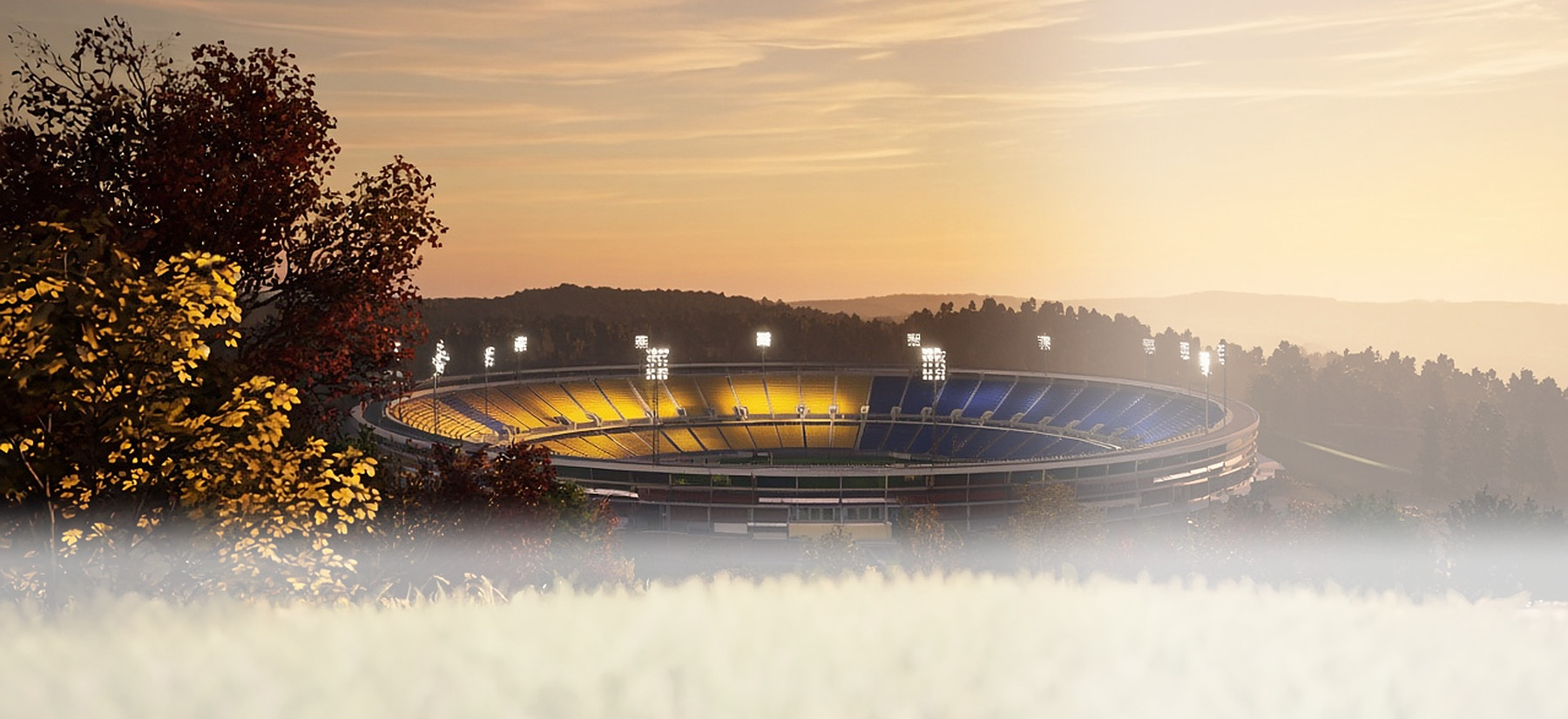
Make this check at Checks Unlimited →or see all photo check styles at Checks Unlimited

Download artwork (JPG) ↓1800 × 825 px, 6 × 2.75 in at 300 dpi, 91 KB

Make this check at Checks Unlimited →or see all photo check styles at Checks Unlimited
How to use these designs
- Download the design you like with its “Download artwork (JPG)” button. The file is already sized for a 6 × 2.75 in personal check and is under the 4 MB upload limit.
- Upload it on the photo-check page at Checks Unlimited (JPG or BMP, under 4 MB). Want up to four photos or a side-tear layout? See all Checks Unlimited photo check styles.
- Use the crop tool and preview to keep the helmet or the scene in the middle, away from the $ box and signature line, then check the preview before you order. The printer lightens the image so your bank can read the check, so it will look softer on paper than on screen.
Free for personal use on your own checks; see our image license. Not affiliated with the NCAA, the University of Michigan or any team. Printers make the final call on every upload. Affiliate disclosure: links to Checks Unlimited and Carousel Checks are affiliate links, so GetBankChecks.com may earn a commission at no extra cost to you.
Create and proof your photo checks
- Pick a format and quantity. Open Single Photo, choose singles or duplicates and the number of boxes, then review any accessories you want.
- Upload your photo. Follow the current file instructions and inspect the crop. Keep the subject clear and leave light space for printed information and handwriting.
- Check the details before ordering. Compare your name, address, account details and starting number with a current check or information from your bank. Review the image proof, selected extras, delivery and final total.
Save your original photograph for future use. Our earlier photo-check walkthrough remains available as a historical reference; the retailer’s current screens take precedence.
Questions before ordering
Where can I order University of Michigan checks?
Checks Unlimited doesn’t list a Michigan logo design, so order Checks Unlimited photo checks, 80 for $28.49: upload one of our free Michigan designs or your own logo-free photo, and they print as standard personal checks with your bank’s routing and account numbers. University logos aren’t accepted in uploads. Rivals can see our Ohio State checks and Notre Dame checks guides.
Can I buy the exact Michigan designs shown here?
No. They’re layout ideas, not products. The main shopping link opens Checks Unlimited’s photo checks, where you upload your own picture and approve a personalized proof before ordering. The free Michigan designs above are different: download one and upload it there to make that exact check.
What file should I prepare?
Checks Unlimited lists JPG/JPEG or BMP, smaller than 4 MB, at least 432 pixels wide by 198 pixels tall. For a sharp print, use a photo well above that minimum. A clear horizontal original is a better starting point than a small web image.
Can I use a university logo or an image found online?
No. Follow the retailer’s photo-content rules: no logos or copyrighted images. Your own photos of campus or the Big House, without large logos in frame, or our free logo-free designs above are the simplest choice.
Will these checks work with my account?
Yes. Checks Unlimited prints standard personal checks with your bank’s routing and account numbers and verifies your bank details before printing. Copy the numbers exactly from a current check or your online banking.
More college check guides
Ready to use your own Michigan memory?
Have your original image (or a free design from above) and verified account information ready, then review the personalized proof carefully.
Create photo checks at Checks Unlimited
Merchant photo-product information checked October 9, 2026. Your cart shows the current selections and total before you pay.
Sources: photo-check product and retailer FAQ.